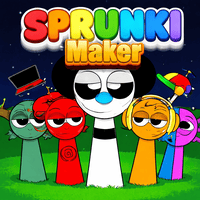
About Sprunki Maker
Sprunki Maker is a creative music‑making browser game that lets players build their own rhythm tracks using a simple drag‑and‑drop interface. It combines elements of beat‑making, puzzle solving, and social sharing, making it appealing to both casual gamers and aspiring musicians worldwide.
How to Play Sprunki Maker
When you open the game, you are presented with a grid of tiles representing different sound samples. Click or tap a tile to place it on the timeline, then adjust its pitch, volume, and length. Arrange the tiles in any order to compose a unique beat. Use the playback controls to listen, edit, and refine your track until you are satisfied.
Objective
The main goal is to create a complete, enjoyable music track that flows smoothly from start to finish. You can aim for personal satisfaction, compete in community challenges, or share your composition to earn likes and feedback from other players.
Controls
- Click/Tap a tile to add a sound to the timeline.
- Drag a tile left or right to change its position.
Sprunki Maker Tips and Tricks
- Start with a simple drum pattern and layer additional instruments gradually to keep the track balanced.
- Use the grid’s snap feature to align beats precisely, preventing timing gaps.
- Experiment with pitch shifting on melodic tiles to create surprising variations.
- Listen to community‑submitted tracks for inspiration and learn common rhythm structures.
Content generated by AI