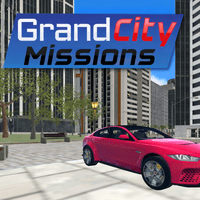
Game modes in Grand City Missions
Grand City Missions is a 3D racing game that combines action-based missions in an open-city environment. More than just simple races, the game features a diverse challenge system that demands strong driving control and precision. Grand City Missions offers three main modes: Career, Race, and Free Drive.
Career Mode
In this mode, players must complete around 16 different missions with increasing difficulty. The challenges go beyond simply finishing on time; They also include technical drifting, overcoming obstacles, transporting vehicles, and handling special situations such as racing against a countdown timer.
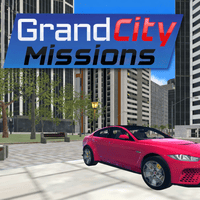
Grand City Missions stands out with its rich mission system
Race Mode
Race Mode focuses on high-speed head-to-head races, where you compete against AI drivers across various maps. Strong performance rewards you with GP points, which can be used to unlock more advanced vehicles.
Free Drive Mode
Meanwhile, Free Drive Mode allows players to freely explore the large city, test their driving skills, or perform stunts without any time pressure.
Controls in Grand City Missions
Player 1
- Movement: Use the W, A, S, D keys to drive forward, reverse, and steer left or right.
- Accelerate (NOS): Press F to activate nitro for a short burst of speed.
- Look Back: Press T to check behind your car when monitoring opponents.
- Restart Car: Press R if your car flips over or gets stuck.
Player 2
- Movement: Use the Arrow Keys to control the car.
- Accelerate (NOS): Press K to activate nitro.
- Look Back: Press L to see what's happening behind the car.
- Restart Car: Press O to reset the car to its initial position.
The keyboard layout is clearly separated for both players, making it convenient to compete on the same keyboard while minimizing confusion.