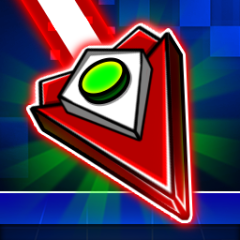
Geometry Vibes is an arcade game that tests your reflexes, and it is also a journey to challenge the player's skills through a variety of exciting modes. Each mode brings its own unique experiences. Not stopping at Geometry Vibes, the series titles like Geometry Dash and Geometry Jump promise to bring even more fresh and captivating challenges.
How to play Geometry Vibes
- Player 1: Left-click or use the space bar.
- Player 2: Press the up arrow key.
- Player 3: Press the "H" key.
- Player 4: Press the "L" key.
Although the game uses a simple control system, it still requires precision, especially in fast-paced situations.
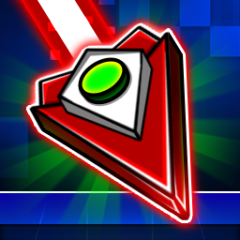
Geometry Vibes is a reflex-testing arcade game.
Effective Gameplay Strategy for Geometry Vibes
Start with Classic Mode
Begin with Classic Mode to get familiar with the game's controls and movement speed. This mode provides the foundation to understand the rhythm and improve your reflexes before moving on to more challenging modes.
Focus on Precise Key Timing
The most crucial aspect of Geometry Vibes is mastering the timing of your key presses. Pay close attention to the rhythm of each level and develop the habit of pressing steadily rather than randomly spamming. Even a single mistimed press can cause the arrow to hit an obstacle and force you to restart.
Leverage Tactics in Race Mode
In Race Mode, timing alone is not enough, you also need strategy. The "low-flying" trick can be used to block your opponents, forcing them to adjust their path and lose momentum. Alternatively, if you prefer a safer approach, keep a steady distance from other players to avoid collisions and focus on maintaining consistent speed.
Combine Reflexes with StrategyGeometry Vibes is not only about fast fingers but also about quick thinking. Knowing when to block opponents and when to play safely will help you progress further and increase your chances of victory.