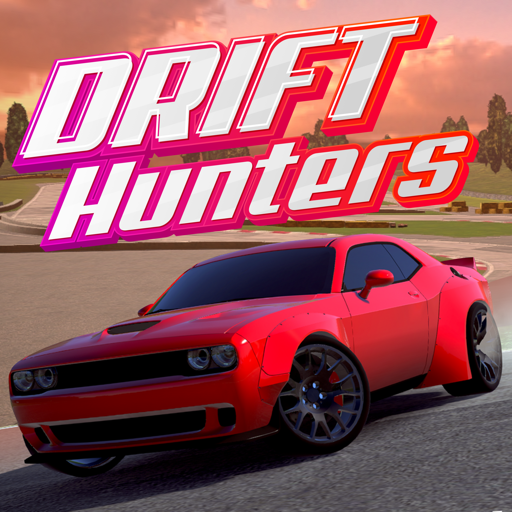
Drift Hunters – Experience the ultimate drifting experience!
Drift Hunters is a free 3D racing game that gives you the thrill of mastering every drift with dozens of cool modified cars and a dynamic racing system.
Customize your dream car, fine-tune the engine to the smallest detail, then unleash it on 10 unique maps to show off your drifting skills like a pro. Get ready to “draw” burnt tire tracks on the road!
How to play Drift Hunters
Start by choosing your favorite car and the type of track you want to participate in. Before you start, you can fully upgrade parts such as brakes, gearbox, turbo, engine and weight. You can even change the paint color, choose the right wheels to create your own style.
The main goal of the game is to score points by drifting for as long as possible. The smoother your drift, the higher your score — and you can use those points to upgrade your car in the garage.
Track System
The game has many different tracks like Nishuri, Stadium, Tyshen, each with different difficulty levels and corner structures, challenging your drifting skills.
Some standout maps like Forest and Emashi allow you to maintain drifts for long periods of time thanks to wide and open corners.
Drift Hunters Car List
To start, you only need about 8,500 points to unlock your first car. The most advanced car costs over 134,000 points, but each drift will bring you closer to your dream car.
Some of the featured cars:
BMW M3
Toyota Supra
Honda S2000
Ford Fiesta ST
Nissan 370Z Coupe
Dodge Challenger Hellcat
Nissan GTR
Porsche 911 GT
...and 18 more!
Upgrade & Tuning
Drift Hunters lets you customize every aspect of your car's performance, from the turbo system, brakes, transmission, to weight reduction.
You can also adjust detailed technical parameters such as camber, offset, ride height, brake balance, and brake pressure for optimal drift performance — even without upgrading components.
Customizing the look
You can change the paint color, choose the style and color of the wheels, making each car your own “exclusive” version.
Drift Hunters Tips
Control your speed when cornering to keep your drifting rhythm smooth.
Drift back and forth on a straight line to extend your combo score streak.
Tweak your car regularly to find the “sweet spot” in your control.
Prioritize playing on maps with large spaces, easy to drift continuously.
Why you should play Drift Hunters
Drift Hunters brings a realistic arcade feel, easy to control, beautiful 3D graphics and smooth even on low-configuration computers.
Not limited by the traditional racing format, you can freely drift and earn points in your own style.
Controls
WASD or arrow keys: navigation
Spacebar: handbrake
C: change camera angle
Left Shift: shift gears
Left Ctrl: downshift
Frequently asked questions
How to change gears in Drift Hunters?
Use Left Shift to increase the gear and Left Ctrl to decrease the gear.
What is the most expensive car?
The Porsche 911 GT (993) is the most expensive and high-end model.
What is the fastest car?
The Nissan GT-R (R25) is the fastest machine in the game.
Is Drift Hunters free?
Absolutely free.